
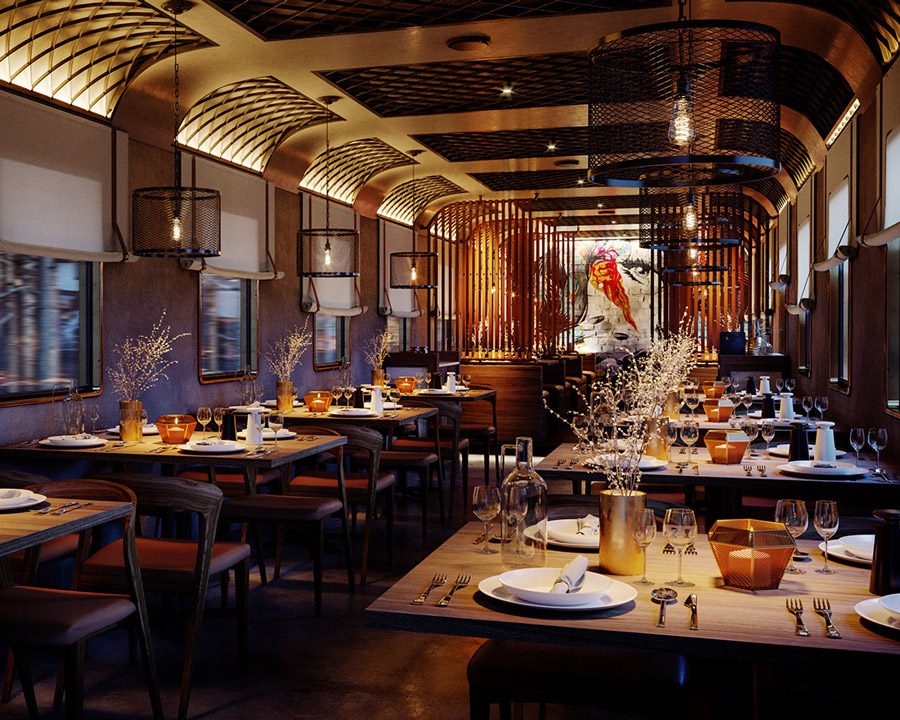
A fully-equipped course that covers all critical aspects needed to start your Archviz career

What will you learn from CORONATOR?

The unique and practical approach to training by completing a personal project from start to finish helps students learn and improve continuously under the coach’s guidance. Each student will develop his or her assignment based on a real-life architectural project. It is not only about reproducing real photos to build up one’s performance in photorealism but also experimenting with various compositions, lighting setups, different moods & tones to learn and explore in Art Direction role. Possibilities are endless and students will learn how to bring out the best in architecture through Archviz.

1. Introduction to Corona Render
2. How to convert from Vray scenes to Corona
3 Render in “photographic” way: Corona Camera/ Exposure/Tone Mapping Setup
4. Corona Interactive
5. DOF/Motion Blur: Explanation in Photography and how to setup in Corona Render
6. Homework

Composition
1. Composition in Architectural Photography
2. Understanding Digital Camera: F-number/ Shutterspeed
3. How to compose a Camera View
4. How to model from photos: Perspective Match
5. Homework

Lighting Theory Corona Sun & Corona Sky
1. Lighting Theory, Elements and Balance
2. Corona Sun +Corona Sky: How to setup
3. Practice
4. Homework

HDRI
1. Lighting Setup with HDRI
2. Different Lights Source in Corona Renderer & How to use
3. Homework

Special Lighting Effects
1. Volumetric
2. Dappled Lights
3. Homework

Itoo Forest I
1. Introduction to Itoo Forest
2. Geometry
3. Distributrion Map
4. Transform
5. Area/ Falloff/ Paint Area
6. Surface/Camera/Tree Editor
7. Homework

Itoo Railclone
1. Introduction to Itoo Railclone
2. Segment
3. Geometry
4. Examples
5. Homework

Materials Overview
1. Introduction to Materials & What is the most important factors to realistic shader
2. Indepth explanation & How to setup correctly: Diffuse
3. Indepth explanation & How to setup correctly: Reflection
4. Indepth explanation & How to setup correctly: Bump/Displace
5. Homework

Mix/Composite/Corona Layered Mtl
1. Mix
2. Composite
3. Corona Layers Mtl
4. How to achieve realistic fresnel for Reflection and Glossiness using Corona Layers
5. Homework

Fabrics Mtl
1. Plain Fabrics
2. Silk
3. Velvet
4. Special Fabrics using Corona Layers/Displace
5. Homework

Metal Material
1. Chrome/ Steel/ Aluminum
2. Gold/ Cooper
3. Brushed Steel
4. Anisotropy
5. Homework

Corona AO
1. Concrete Materials
2. Corona AO How to setup
3. Examples using Corona AO: dirt effects worn edges old brass sculptures
4. Homework

Translucent Mtl

Live Module 5 Live Sessions
4pixos Academy • Trung tâm đào tạo Diễn họa kiến trúc quốc tế

Module 01: Composition & Lighting

4 SESSIONS
This course includes 4 main sessions about Composition and Lighting for those who already good at Material, Itoo Forest but want to improve the Composition and Lighting part.

4pixos Academy • Trung tâm đào tạo Diễn họa kiến trúc quốc tế

Module 02: Itoo

3 SESSIONS
This module provides a complete solution for creating vast areas of objects, from trees and plants to buildings, crowds, aggregates, ground-cover, rocks and more.
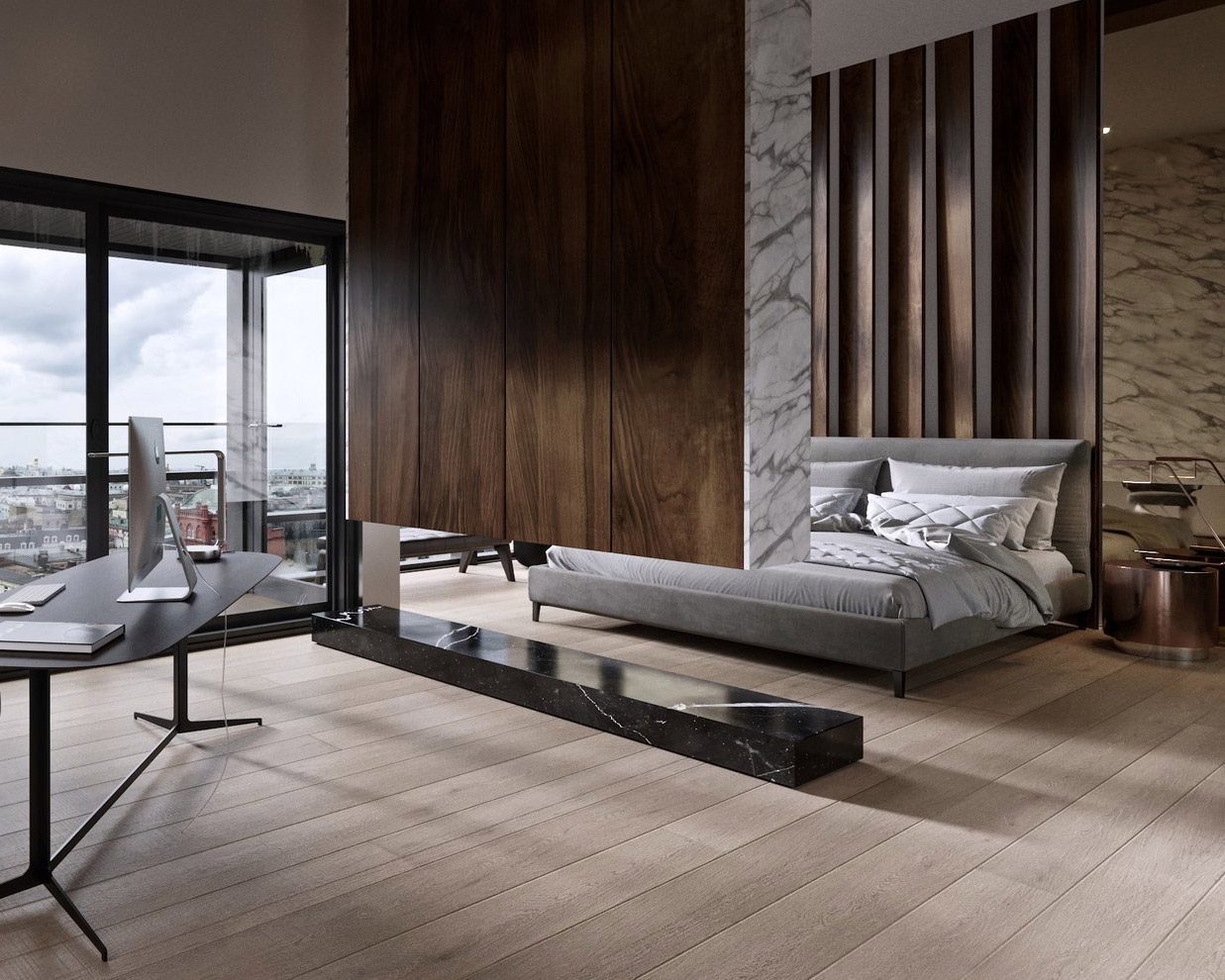
4pixos Academy • Trung tâm đào tạo Diễn họa kiến trúc quốc tế

Module 03: Materials

6 SESSIONS
Material is not your strength? This module is perfect for you

4pixos Academy • Trung tâm đào tạo Diễn họa kiến trúc quốc tế

Live Module

5 LIVE SESSIONS.
Live sessions are where all your questions are solved by the coach directly and he or she is going to show you how to improve the quality of your renderings and work on the personal project that you have chosen to carry out in the course. You can meet your instructor 1 on 1 via Google Meet, each will last for an hour.

Contact us to get more info and grab your personal coupon.

Students'
Works

What our
students say

[elementor-template id="4088"]